


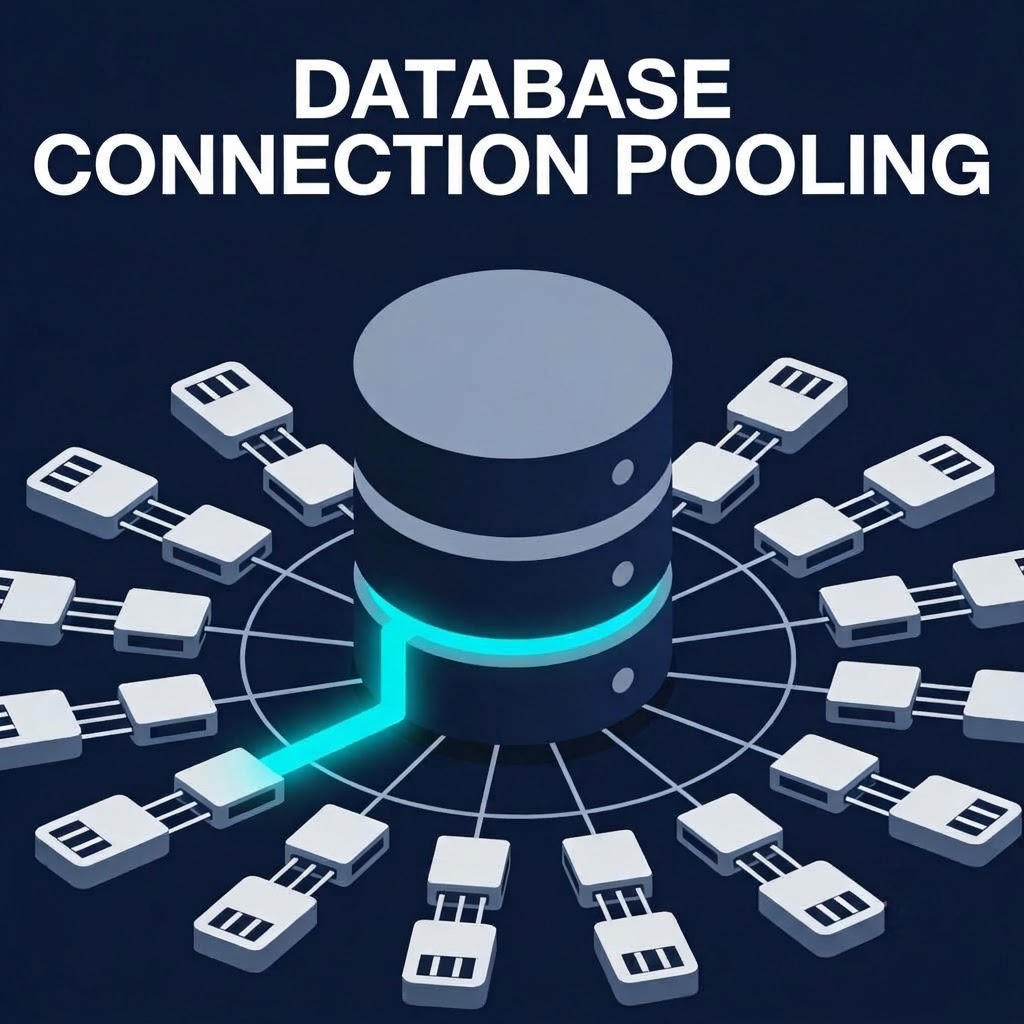
As backend applications scale to handle thousands of concurrent requests, managing database connections becomes one of the most critical factors in maintaining system stability. A common anti-pattern in high-concurrency Node.js or microservice environments is opening a fresh database connection per request, which quickly overwhelms the database’s maximum connection limit and triggers fatal crash loops.
To safely reuse connections and handle peak loads, backend systems rely on Database Connection Pooling. However, misconfigured pools can easily become bottlenecks or cause catastrophic cascading failures. This engineering runbook explores best practices for configuring connection pools, preventing connection exhaustion, and managing pool saturation.
1. The Anatomy of Connection Exhaustion
In relational databases like PostgreSQL, every active connection spawns a dedicated server process or thread that consumes memory and CPU resources.
- The Monolithic Bottleneck: If your database has a
max_connectionslimit of 100, and you run 10 application instances each configured with a connection pool size of 20, your potential peak connections ($10 \times 20 = 200$) exceed the database limit. - The Saturation Cascade: When the pool is fully saturated, incoming requests block while waiting for an available client. Connection acquisition timeouts spike, health checks fail, and your orchestration layer (Kubernetes) begins killing healthy pods due to perceived unresponsiveness.
2. Calculating the Optimal Pool Size Formula
A common misconception is that increasing the pool size improves throughput. In reality, beyond a certain threshold, context switching and contention degrade performance.
Use the standard connection pool sizing formula defined by connection pooling experts:
$$\text{Optimal Pool Size} = \text{CPU Cores} \times 2 + \text{Effective Spindle Count}$$
For modern cloud environments running on SSD storage, keep your pool sizes lean (typically between 10 to 20 connections per application instance) and scale horizontally by adding more application nodes rather than inflating database connection limits.
3. Production-Ready Pool Configuration in TypeScript
Here is a production-grade configuration for a PostgreSQL connection pool (pg library) incorporating strict timeouts, idle checks, and connection lifecycle limits:
TypeScript
import { Pool, PoolConfig } from "pg";

const poolConfig: PoolConfig = {
  host: process.env.DB_HOST,
  port: Number(process.env.DB_PORT) || 5432,
  database: process.env.DB_NAME,
  user: process.env.DB_USER,
  password: process.env.DB_PASSWORD,

  // Sizing controls
  max: 15,                  // Maximum number of clients in the pool
  min: 2,                   // Minimum idle clients maintained

  // Timeout safeguards
  connectionTimeoutMillis: 3000,  // Return error if connection takes > 3s
  idleTimeoutMillis: 30000,       // Close idle clients after 30 seconds
  statement_timeout: 10000,       // Cancel queries taking longer than 10s

  // Lifecycle management
  maxUses: 7500,                  // Recycle connection after 7500 queries to prevent memory leaks
};

export const dbPool = new Pool(poolConfig);

dbPool.on("error", (err, client) => {
  console.error("Unexpected error on idle database client", err);
  process.exit(-1);
});
4. Implementing Fast-Fail Circuit Breaking for Pool Waiters
When a connection pool is exhausted, requests should fail fast rather than lingering in a long queue that exhausts application memory.
TypeScript
export async function executeWithPoolSafeguard<T>(
  pool: Pool,
  queryFn: (client: any) => Promise<T>
): Promise<T> {
  const client = await pool.connect();

  try {
    return await queryFn(client);
  } finally {
    // Always release the client back to the pool, even if the query fails
    client.release();
  }
}
5. Operational Best Practices for DB Admins & Engineers
- Always Set Statement Timeouts: Unindexed queries running indefinitely will lock up pool connections. Enforce strict
statement_timeoutat the pool configuration level. - Recycle Connections Periodically: Set a
maxUsesthreshold to gracefully retire database connections, preventing memory fragmentation and connection-level memory leaks. - Monitor Pool Metrics: Track active connections, waiting clients, and idle counts via Prometheus/Grafana to identify sizing misconfigurations before production outages occur.
Proper connection pool management transforms your database layer from a fragile bottleneck into a resilient, predictable foundation for your microservices.